

Surprise! ColorDrop Plugin Released with HueForge 0.9.3
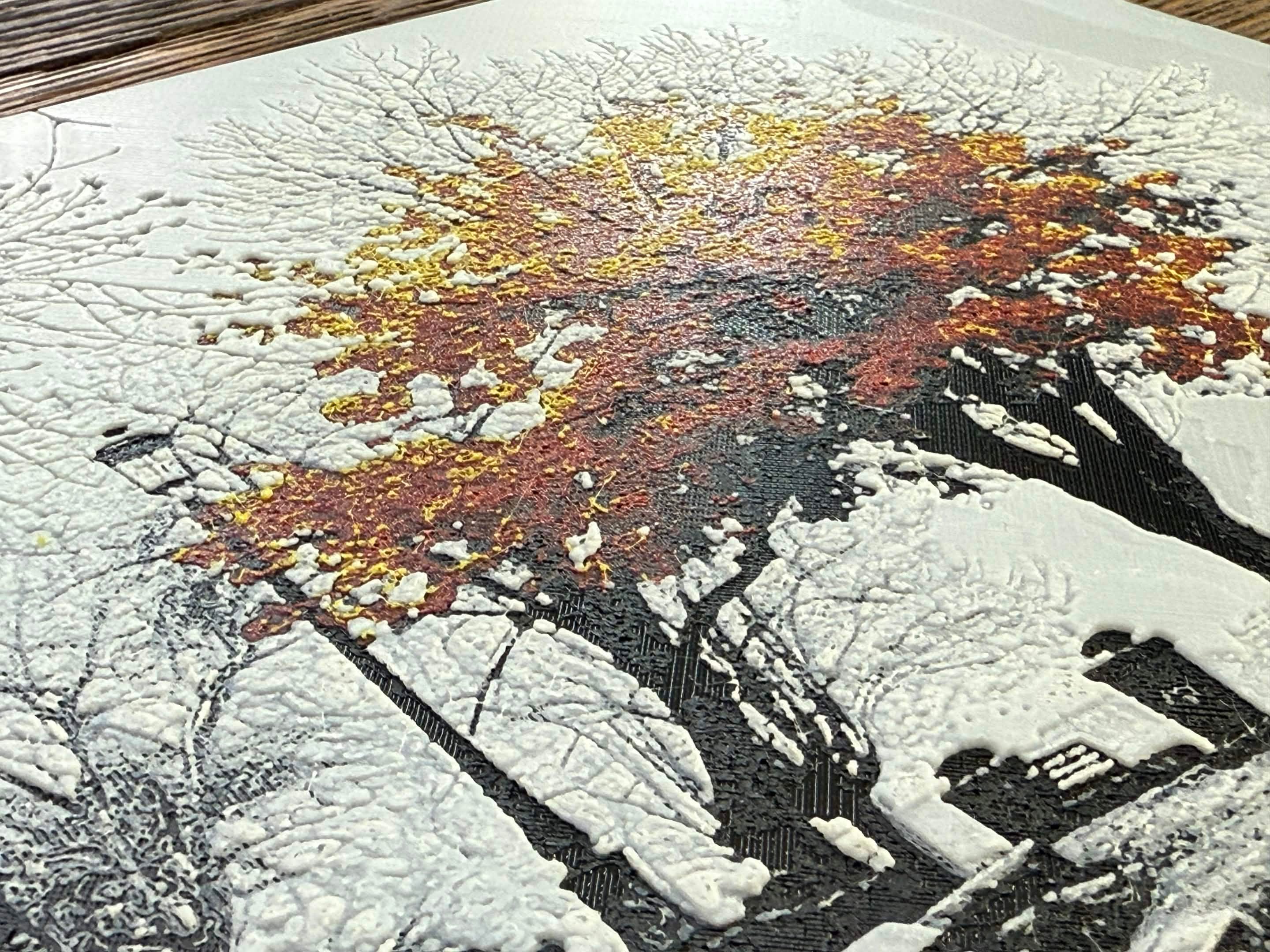
Get More Details Here
Also checkout out - About HueForge and check out the Mesh Modes descriptions for help understanding how HueForge works.
In the meantime, some of you love release notes so… these are for you.
Currently Release for Windows/MacOS. Linux hopefully early this coming week before RMRRF. That’s the plan. It’s building but way under tested.
You WILL need to download the updates for HugeForge and FlatForge to keep them working
HueForge 0.9.3 Release Notes
SpotFix — New Feature
SpotFix is a new tool for making targeted height adjustments directly on your model.
Click any region in the 3D view to create a SpotFix, then adjust it up or down by layer to fine-tune problem areas — without touching your source image.
Key Capabilities
Region-based selection — Click to select a color region; Ctrl+Click to expand to adjacent regions
Layer delta control — Push regions up or down by layer count (+ / -)
Flatten modes — Snap a region to a specific layer instead of nudging (F to cycle)
Inside-loop fill — Fill enclosed regions like letters or shapes (I to toggle)
Eyedropper — Sample a target layer from another part of the model (E)
Tolerance control — Adjust how aggressively regions are selected (W / S keys)
Undo / Redo — Full undo stack within SpotFix mode (Ctrl+Z / Ctrl+Y)
Non-destructive — SpotFixes are saved in your project and adapt automatically when layers or size change
SpotFix Hotkeys
Click — Create new SpotFix at cursor
Ctrl+Click — Add region to selected SpotFix
/ - — Adjust layer delta
F — Cycle flatten mode between the most common, top or bottom layer of the selection.
I — Toggle inside-loop fill (only after clicking)
Del — Delete selected SpotFix
Ctrl+Z / Ctrl+Y — Undo / Redo
Esc — Deselect
W / S — Adjust tolerance (above / below)
0 — Reset tolerance
The SpotFix toolbar button shows an amber indicator when fixes exist in your project.
Project Tree — New Feature
Project Tree introduces a visual branching history for your project.
You can capture snapshots at any point and move freely through your edit history without losing work.
Features
Automatic snapshots on mesh mode changes and Project Save
Named snapshots with custom labels
Searchable snapshot list
Visual branching graph
Blue paths = undo history
Green dashed paths = redo branches
Separate User Tree (manual saves) and Autosave Tree (automatic captures)
Keyboard Shortcuts
F4 — Create named snapshot
F5 — Quick snapshot
F7 — Navigate backward (undo path)
F8 — Navigate forward (redo path)
F10 — Toggle Project Tree panel
Filament Library Improvements
Favorites — Mark filaments for quick access at the top of each category
Active Filaments — Currently used filaments grouped together automatically
Import / Export Personal Library — Move your filament collection between machines (JSON format)
Preview on import — See what will be added, updated, or unchanged before applying
CSV import fix — Missing optional fields no longer cause rows to be dropped
Safer saves — Atomic writes prevent corruption during crashes
Mesh Optimization
Flat surface regions are now heavily optimized.
Uniform flat areas are merged into larger triangles instead of using a full per-pixel grid, dramatically reducing file size with no visible quality loss.
Optimization is uniformly applied to all output. Modes like FlatForge will not benefit as much given the non-flat mesh geometry.
Background Removal
The old manual background removal step is gone.
Transparent image backgrounds are now automatically excluded from mesh geometry across all save paths with optimized bottom mesh layers.
Performance Improvements
Luminance calculation — 4–7x faster (multi-core)
Height updates — 2–4x faster
Mesh generation & splitting — Significantly faster
Project load — Eliminated redundant rebuilds (previously 2–3x per load)
SVG rendering — Now re-rendered from vector source at target resolution (no pixel upscaling)
Color Matching Improvements
HSV matching — Much more accurate for stylized and illustrated images
Dot Product matching — Improved performance for photographic images
Stability Fixes
Fixes across:
Out-of-bounds and null dereference crashes when moving sliders on the Color/Mesh Core
Sliders — Undo behavior corrected; handles update immediately
Project loading — No longer drops filaments used across multiple sliders
OpenGL — Fixed texture leaks, validation errors, and deprecated usage
Shutdown — Fixed hanging processes (Windows) and exit crashes (macOS)
Background tasks — Proper cleanup before shutdown
macOS — Fixed incorrect default config directory on fresh installs
Other Improvements
First Layer Height — No longer required to be a multiple of layer height (plugins + advanced options)
Named Defaults — Save and manage multiple default project configurations
Help/Tutorial Menu — Now supports live-updatable content
Borders now save properly when saving with Advanced mode. Though still no borders for non-rectangular models.
HugeForge Plugin v1.1.2
This release adds a new Checkerboard Tiling Mode, improves borders and spacing behavior, adds destructive crop support, and fixes several reliability and sizing issues.
Checkerboard Tiling Mode — New
A new tiling mode for creating staggered layouts such as chess boards, mosaics, and decorative wall panels.
Checkerboard mode places tiles in an offset grid, with odd rows shifted by half a tile width
Max Per Row and Total Tiles controls for tighter layout control
Square Tile option to lock tile width and height together
Skip First Tile option to invert checkerboard parity for generating the second color set
Rotate Source 90 to rotate the image before tiling
Image Offset slider to shift the crop window when tiles do not perfectly cover the image
Smart tile size defaults auto-calculate when switching to Checkerboard mode based on project dimensions
In-app help added with a
?button next to Checkerboard mode, including SVG diagrams and chess board setup instructions
Borders and Spacing
External borders for tiled prints now extend around the full assembled piece instead of only individual tiles
Partial borders can be applied per tile edge, such as outer edges only for interior tiles
Border on each tile option added for Checkerboard mode to apply full-frame borders to every tile
Tile spacing is now reflected in final assembly dimensions, including border width
Destructive Crop
Crop spacing from image now permanently crops the image at tile boundaries, creating image gaps between tiles.
Final size calculations now correctly account for both destructive crop and border width
State and Reliability
Persistent state for HugeForge settings is now saved and restored when you reload your project.
Tile generation stabilized with fixes for stalls, spike removal timing, and empty-layer crashes
Split-state resilience improved for interrupted or partially completed tile exports
Fixes
Fixed settings not persisting between dialog opens
Fixed resize handling when switching between modes
Fixed tile size snapping by using round instead of truncate to avoid floating point precision loss
Removed limitation on Base Layer Height being a multiple of the layer height.
FlatForge Plugin — Release Notes (v1.1.2)
Layer Gap Stitching
The biggest quality improvement for FlatForge prints. Previously, separated color layers could have visible gaps at boundaries where layers meet. Fewer gaps in flat surface.
FlatForge meshes are now completely watertight and should work with Mesh Booleans and not just Negative Modifiers.
Performance
Parallel mesh generation — layer meshes are now built concurrently across threads, with a 2 GB memory budget to prevent OOM on large models
Per-mesh progress reporting — progress bar updates for each layer as it builds
8.7x faster HeightMap setup
Reduced mesh allocation overhead
Memory
Preview meshes freed before export — halves peak memory during STL generation
Dialog close cleanup — FlatForge meshes, heightmap data, and preview data are all released when the dialog closes, fixing memory leaks that accumulated with repeated use
Null guard on
setHeightMapDatato prevent crashes
Other Changes
Fixed cap layer z-position using consistent
zSpacingFixed double-sided export and folder path handling
Background removal (cutout) now happens by default — removed the separate CutoutSession